Internal tool
Built and used in-house; the write-up is what's shared, not the code.
3 use casesRefine these 3 in use cases →
Use cases tagged Internal tool
 Internal tool
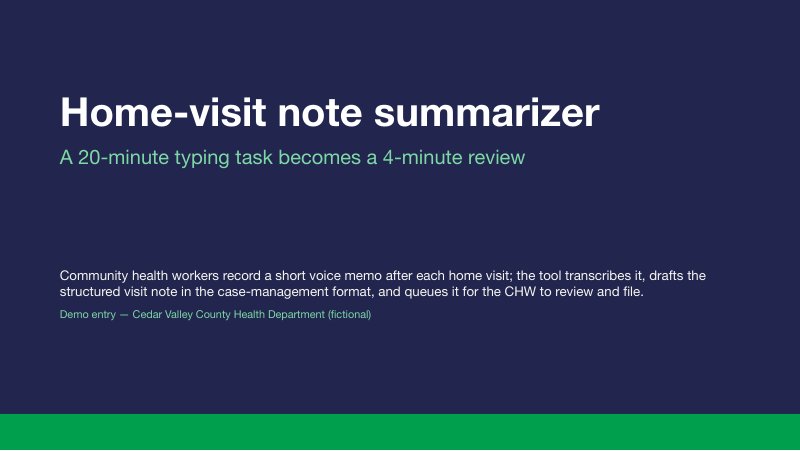
Home-visit note summarizer for community health workers
Result in one line: Visit notes filed same-day rose from 54% to 93% in the eight-week pilot
Community health workers record a short voice memo after each home visit; the tool transcribes it, drafts the structured visit note in our case-management format, and queues it for the CHW to review and file — turning a 20-minute typing task into a 4-minute review.
- Clinical & community services
- Staff & partner coordination
Skills needed to set it up: Power user Readiness: Guided setup Readiness: Needs a data agreement4 more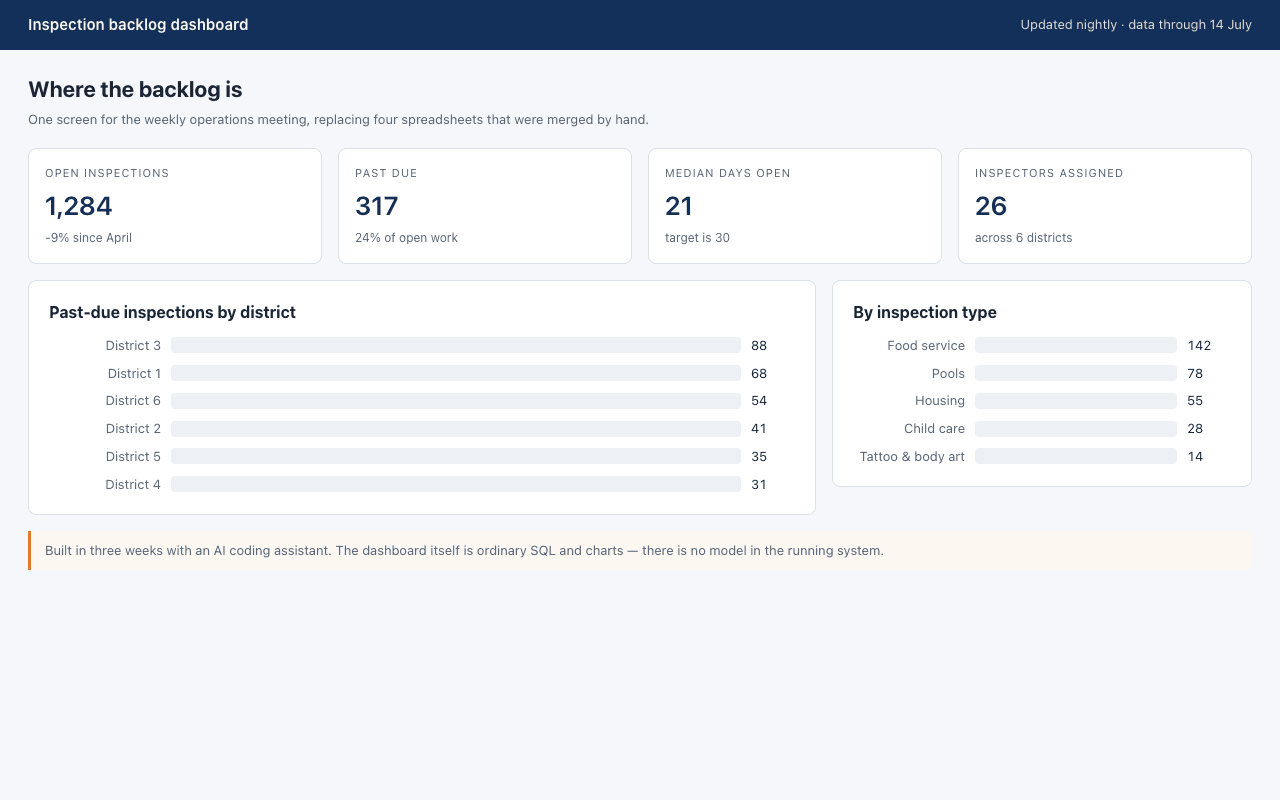 Internal tool
Inspection backlog dashboard built with an AI coding assistant
Result in one line: Built in three weeks against a four-month estimate; replaced four hand-merged spreadsheets
A nightly operations dashboard for environmental health backlogs, built in three weeks by one developer working with an AI coding assistant.
- IT & operations
- Environmental health
- 1 more area of work
Skills needed to set it up: Developer Readiness: Needs customization Data it touches: Internal, non-public data Who sees the output: Internal staff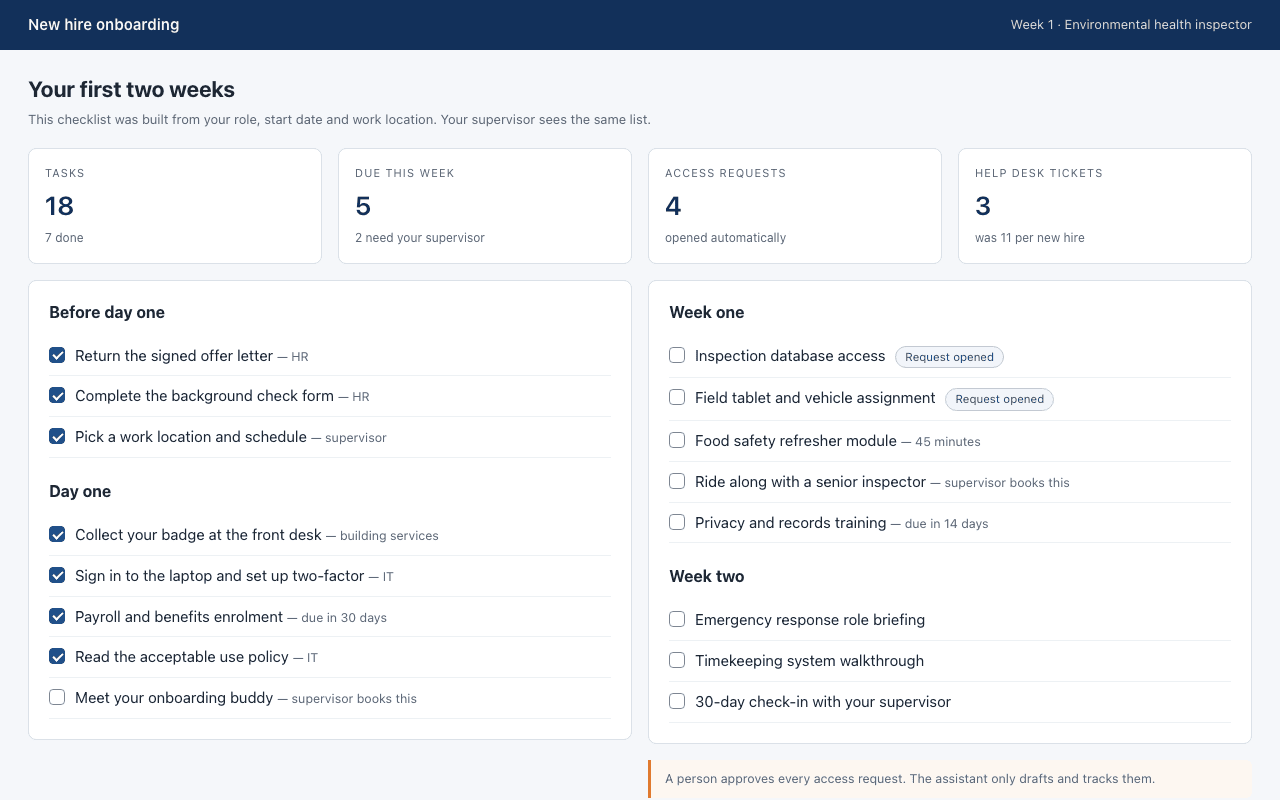 Internal tool
New hire onboarding checklist assistant
Result in one line: Cut first-week help desk tickets from 11 to 3 per new hire
Builds a personalized checklist for each new hire, opens the access requests it can, and answers policy questions from the staff handbook.
- HR & workforce
- IT & operations
Skills needed to set it up: Power user Readiness: Guided setup Readiness: Needs customization4 more