Open source · built for public-sector teams
Pub Health Catalog Template
One repository, no server, four ways to run it.
A catalog site that lives on GitHub Pages and is managed entirely through GitHub: someone fills in a form, a maintainer merges a pull request, the site rebuilds. The four examples below are this same repository with different settings — open any of them and click around.
Live examples
Four complete sites, built from one repository
Each one is a full build with its own fields, filters, colours and sample content — search, feeds and the submission form included. Nothing here is a mockup.
-
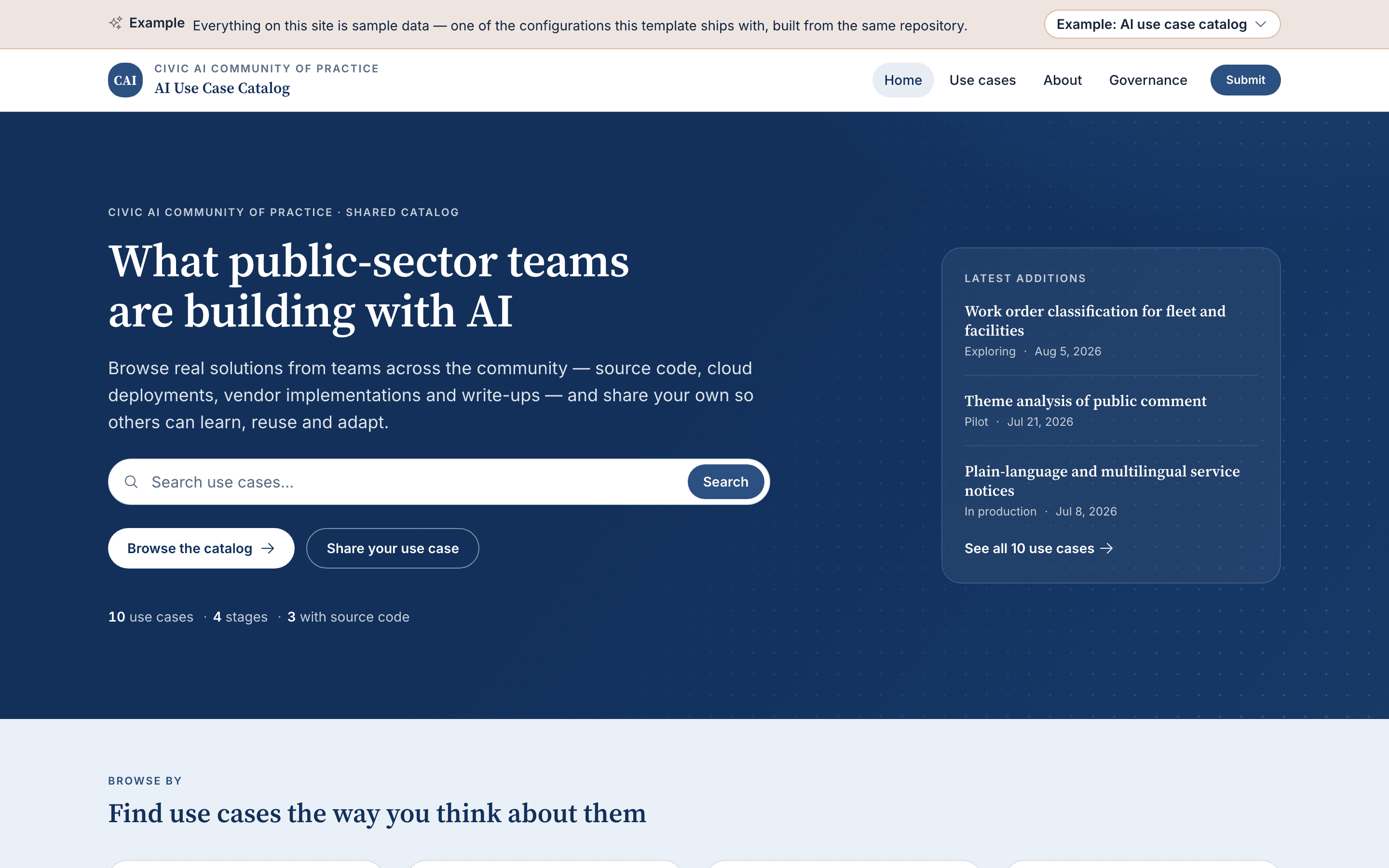
AI use case catalog
A shared catalog of AI projects
The configuration this template ships with. Public-sector teams publish what they have built, with enough detail — the data it touches, the skills it took, the licence, the running cost — for another team to judge whether it could reuse it. Filter the catalog, shortlist three entries and compare them side by side.
- Entries are called
- Use cases
- Content model
- 44 fields · 21 filters
- Turned on
-
- Catalog
- Submissions
- Featured carousel
- Stats
- Governance
- status
-
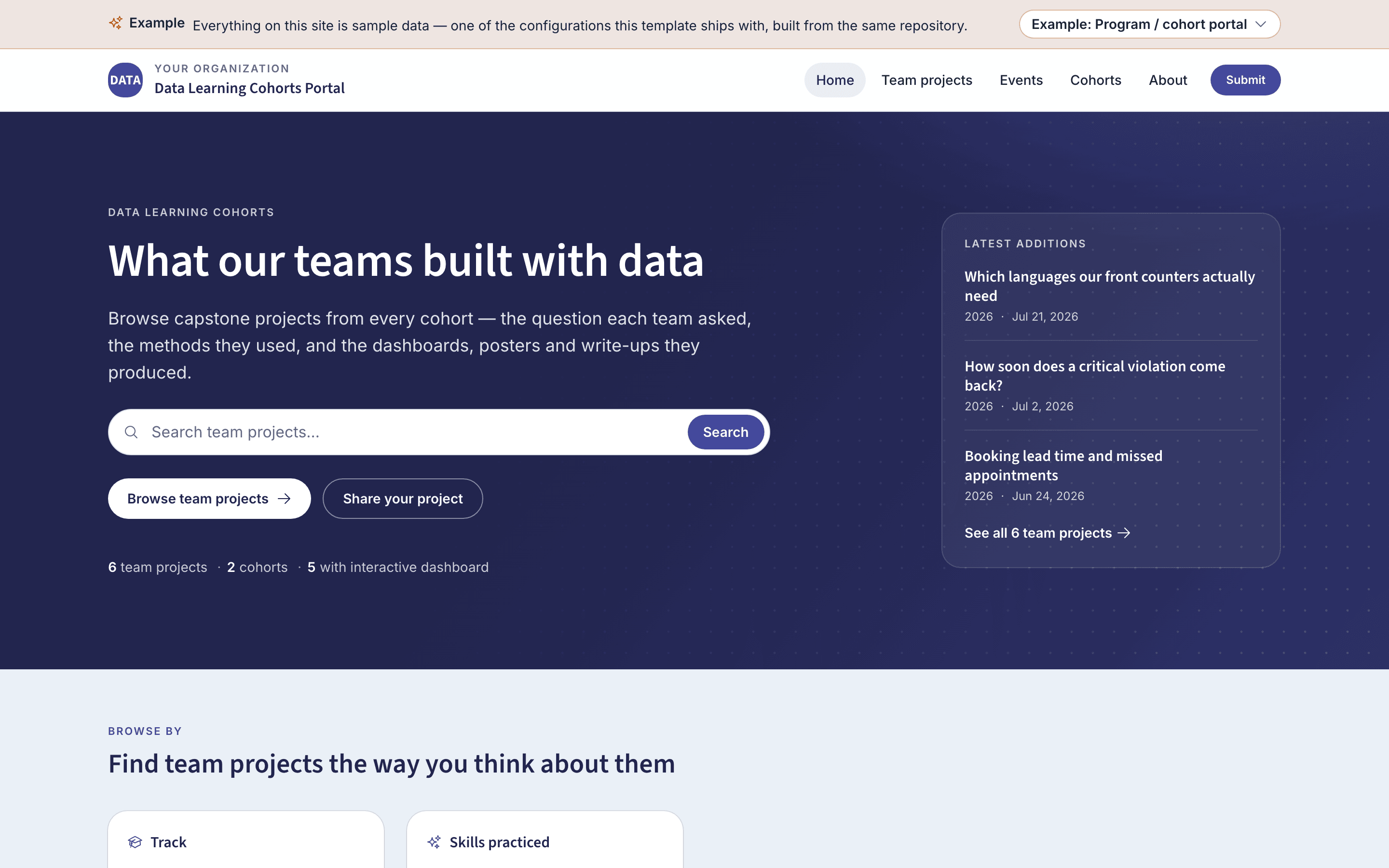
Program / cohort portal
A training program's portal, cohort by cohort
Teams publish the projects they built during a fellowship or academy, tagged by cohort year, area of work and track. The cohorts and events modules add program-year pages with timelines, session materials and a shared calendar around the gallery.
- Entries are called
- Team projects
- Content model
- 20 fields · 6 filters
- Turned on
-
- Catalog
- Submissions
- Featured carousel
- Stats
- Events
- Cohorts
- status
-
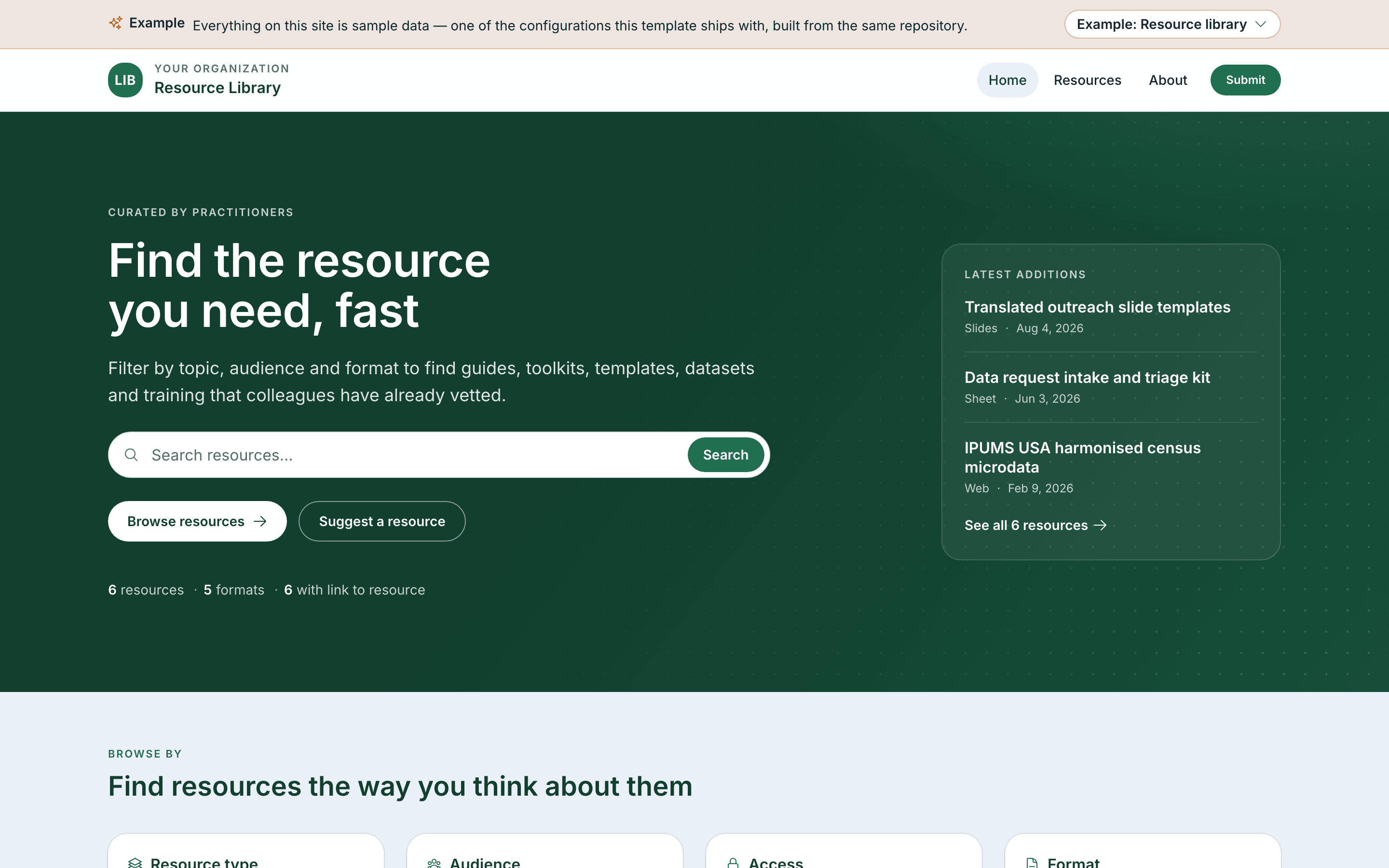
Resource library
A shelf of guides, toolkits and datasets
Shorter entries, more of them. Each resource is a link, a format, an audience and an honest note on what it takes to get access — the right shape for a curated library of things other people made and you want your staff to find.
- Entries are called
- Resources
- Content model
- 15 fields · 7 filters
- Turned on
-
- Catalog
- Submissions
- Featured carousel
- Stats
- status
-
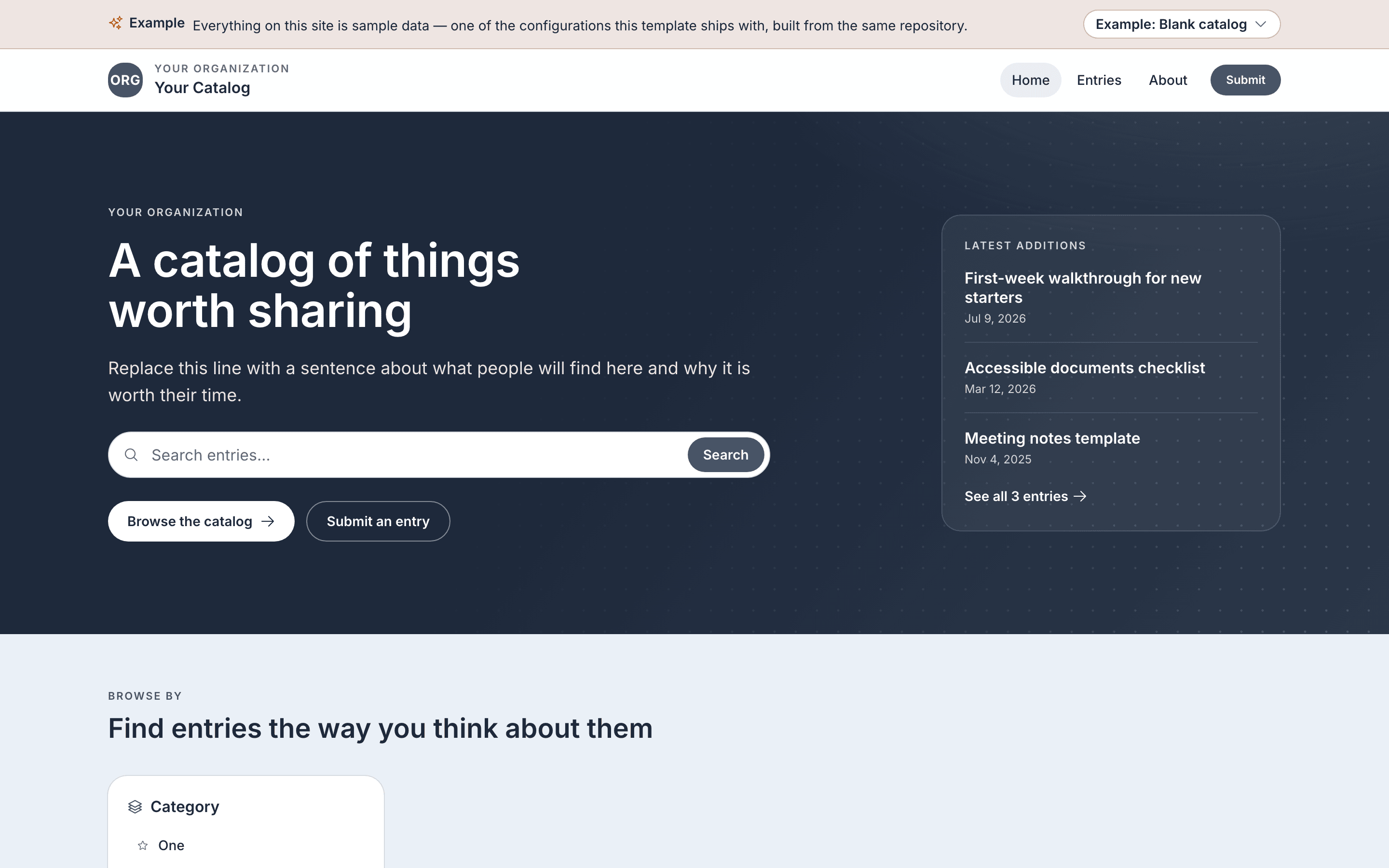
Blank catalog
The smallest useful starting point
Title, summary, one category, tags, links and images — nothing you have to explain away to your first contributor. Rename the fields and this becomes a catalog of grants, datasets, policies, vendors or anything else worth listing in one place.
- Entries are called
- Entries
- Content model
- 8 fields · 2 filters
- Turned on
-
- Catalog
- Submissions
- status
What it does
What you get, whichever example you start from
-
The fields are yours
One file defines every question an entry answers, and how each answer is shown — as a card badge, a filter, a sidebar fact. The forms, the issue template, the search index and the validator all follow it.
The content model -
GitHub is the CMS
There is no admin login and no database. Contributors submit through a web form, maintainers review in a pull request, and the page history is the audit trail.
The maintainer guide -
Nothing publishes without review
Every submission arrives as a draft with your review checklist attached. Answers you flag as sensitive — protected health information, a public-facing audience — raise the review to a second pair of eyes automatically.
-
Governance on the page, not in a PDF
How review works, who does what and the standing policies are published from one data file. A monthly job counts submissions, publications and review turnaround from the repository itself, so the numbers are not a claim.
-
Built for deciding, not just browsing
Cards are laid out to answer "could my team reuse this?" in a couple of seconds. Shortlist up to three entries, read them field by field, and print the comparison as a clean brief with the links spelled out.
-
Search, filters and feeds
Search reads the whole write-up and names the section it matched in. Filters sit beside the results and restore from the URL, so a filtered view pastes into an email. New entries publish to an Atom feed.
-
Modules you can turn off
Catalog, submissions, events, cohorts, resources, governance and the home page blocks each switch on or off. Navigation and the home page adapt, and pages under a module you turned off leave the build entirely.
-
Accessibility is a build rule
Nothing is signalled by colour alone, every control has a visible focus ring, and the catalog still works with JavaScript off. Automated WCAG 2.1 AA and performance checks run on every change.
-
Nothing to host, nothing to patch
GitHub Pages serves plain files, so there is no server to pay for, secure or migrate. Template improvements reach your copy when you choose to merge them, and your content and settings are never overwritten.
How upgrades work
How publishing works
From a form to a published page in three steps
The same path for every entry, on every example. No CMS login, no database, no one editing HTML.
-
Someone fills in a form
A contributor answers the questions your schema defines, on a page that previews the card their entry will produce. Screenshots are dragged straight onto it. All they need is a GitHub account.
-
Automation drafts the pull request
A workflow reads the submission, saves the images into the entry's folder and opens a pull request with the entry already written, the review checklist filled in, and a flag on anything that needs closer scrutiny.
-
A maintainer merges it
The reviewer checks the entry against your published criteria and merges. The site rebuilds and the entry is live a couple of minutes later. Corrections work the same way, from a link on the page.
Start here
Ready to try it with your own content?
-
Follow the launch guide
The full tutorial: create the repository, turn on the three settings GitHub needs, configure the site, clear the samples and publish a first entry end to end.
-
Configure it in your browser
The setup wizard, no terminal required. Start from one of the four presets, change the names, colours and fields, and it writes the configuration files for you.
-
Read the documentation
Every guide and who it is for — maintainers reviewing submissions, contributors submitting them, and whoever is retargeting the template at a different subject.